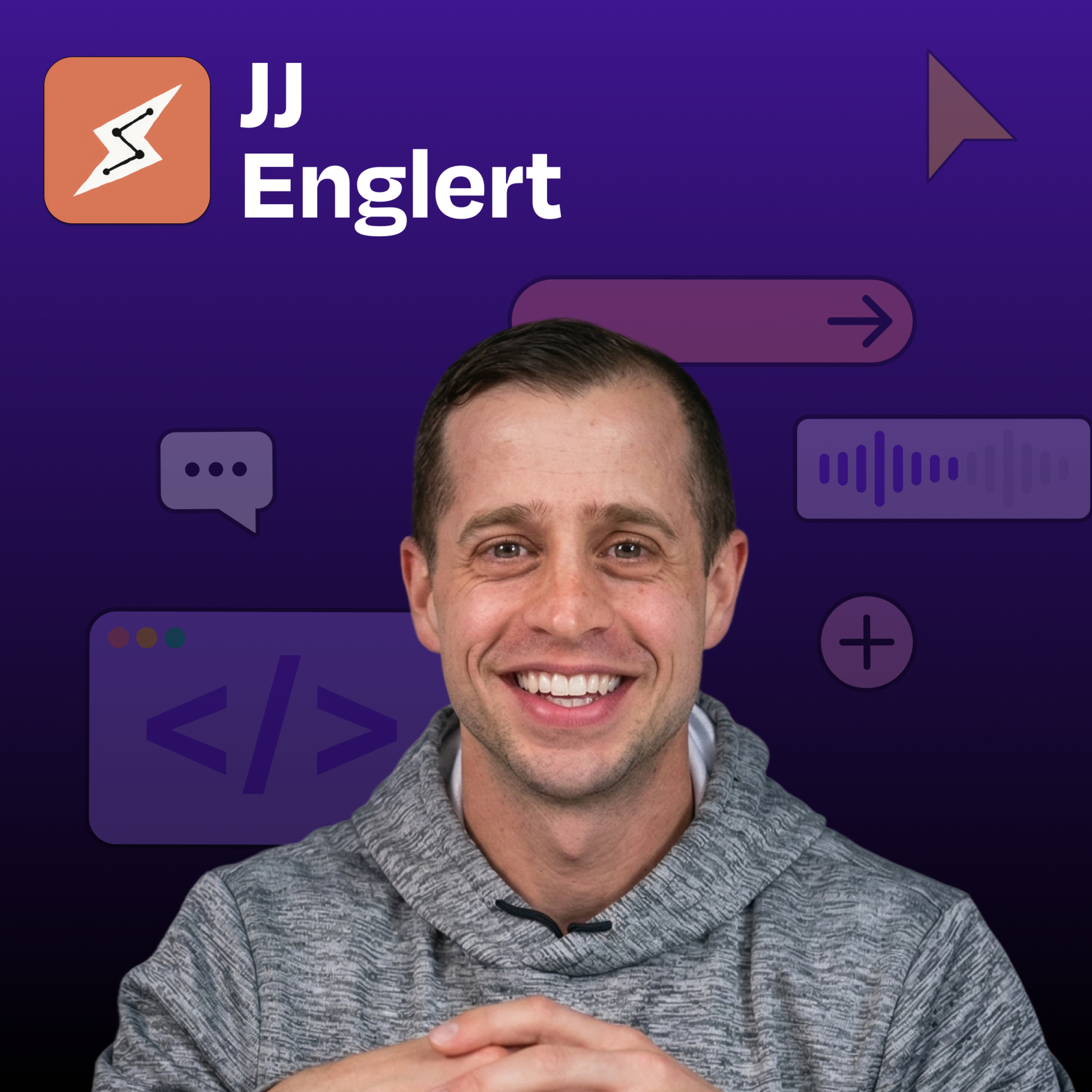
Claude Cowork 101: How to automate your workday without touching code | JJ Englert (Tenex)
- Source
- podcasters.spotify.com
- Published
- Apr 13, 2026
JJ Englert leads community enablement at Tenex. In this episode, JJ provides a complete zero-to-one tutorial on Claude Cowork, Anthropic’s desktop tool that sits between simple chat and full terminal-based coding. What you’ll learn: - How to create your first Claude Cowork project by connecting a folder on your computer and building context over time - The “brain” file strategy: how to create a preferences document that Claude reads every time to understand who you are and how you work - Why one-click connectors to Gmail, Slack, Notion, and Google Calendar unlock AI that actually does work instead of just suggesting it - How to analyze your sent emails to build a writing skill that perfectly matches your tone and style - The sub-advisory-board technique: spinning up three AI agents with different personas to review your work from multiple perspectives - How to set permissions for each connector so Claude only drafts (never sends) or always asks before taking action - The scheduled-task workflow that creates a morning debrief by reading your email, Slack, and calendar every day at 7:30 a.m. - Why projects with shared memory beat individual chat threads for consistent, high-quality AI outputs — Brought to you by: Tines—Start building intelligent workflows today Cursor—The best way to code with AI — In this episode, we cover: (00:00) Introduction to JJ Englert (02:48) What Cowork is and who it’s for (05:49) Getting started: Opening the Cowork tab in Claude Desktop (07:04) Understanding projects as folders on your computer (07:54) Creating your “brain” file, with working preferences and context (10:24) Demo: Building a daily operating system project from scratch (12:18) How to prompt Cowork when starting a new project (14:54) Understanding the project interface and shared memory (18:37) Setting up connectors to Gmail, Slack, Google Calendar, and other tools (21:00) Using connectors to analyze your emails and build personalized writing skills (24:21) Creating a thinking-partner skill for decision support (26:18) Cowork vs. OpenClaw (27:18) Building a sub-advisory skill with multiple AI personas for feedback (34:03) Advanced skill example: Multi-step newsletter creation with research and evaluation (36:08) Setting up scheduled tasks for morning debriefs (37:57) Going beyond one-off tasks with AI (41:00) Progressive trust and the tradeoff of information for productivity (44:08) Different use cases beyond work productivity (46:08) Lightning round — Tools referenced: • Claude Code: https://claude.ai/code • Wispr Flow: https://whisperflow.ai/ • Monologue: https://www.monologue.to/ • Domo: https://www.domo.com/ • Pencil.dev: https://pencil.dev/ • Remotion: https://www.remotion.dev/ • Obsidian: https://obsidian.md/ • OpenClaw: https://openclaw.com/ • Notion: https://notion.so/ — Other references: • Get Started with Claude Cowork: https://support.claude.com/en/articles/13345190-get-started-with-cowork — Where to find JJ Englert: YouTube: https://www.youtube.com/channel/UCv2ovDhYVtlJw4QMidLFP8Q X: https://twitter.com/jjenglert LinkedIn: https://www.linkedin.com/in/jj-englert-a08836a6/ — Where to find Claire Vo: ChatPRD: https://www.chatprd.ai/ Website: https://clairevo.com/ LinkedIn: https://www.linkedin.com/in/clairevo/ X: https://x.com/clairevo — Production and marketing by https://penname.co/. For inquiries about sponsoring the podcast, email [redacted email].
Info
- Published
- Apr 13, 2026
- Uploaded
- Jun 12, 2026
- Uploaded by
 Nicholas
- Queried
- 0 times