“I haven’t written a single line of front-end code in 3 months”: How Notion’s design team uses Claude Code to prototype
- Source
- podcasters.spotify.com
- Published
- Feb 23, 2026
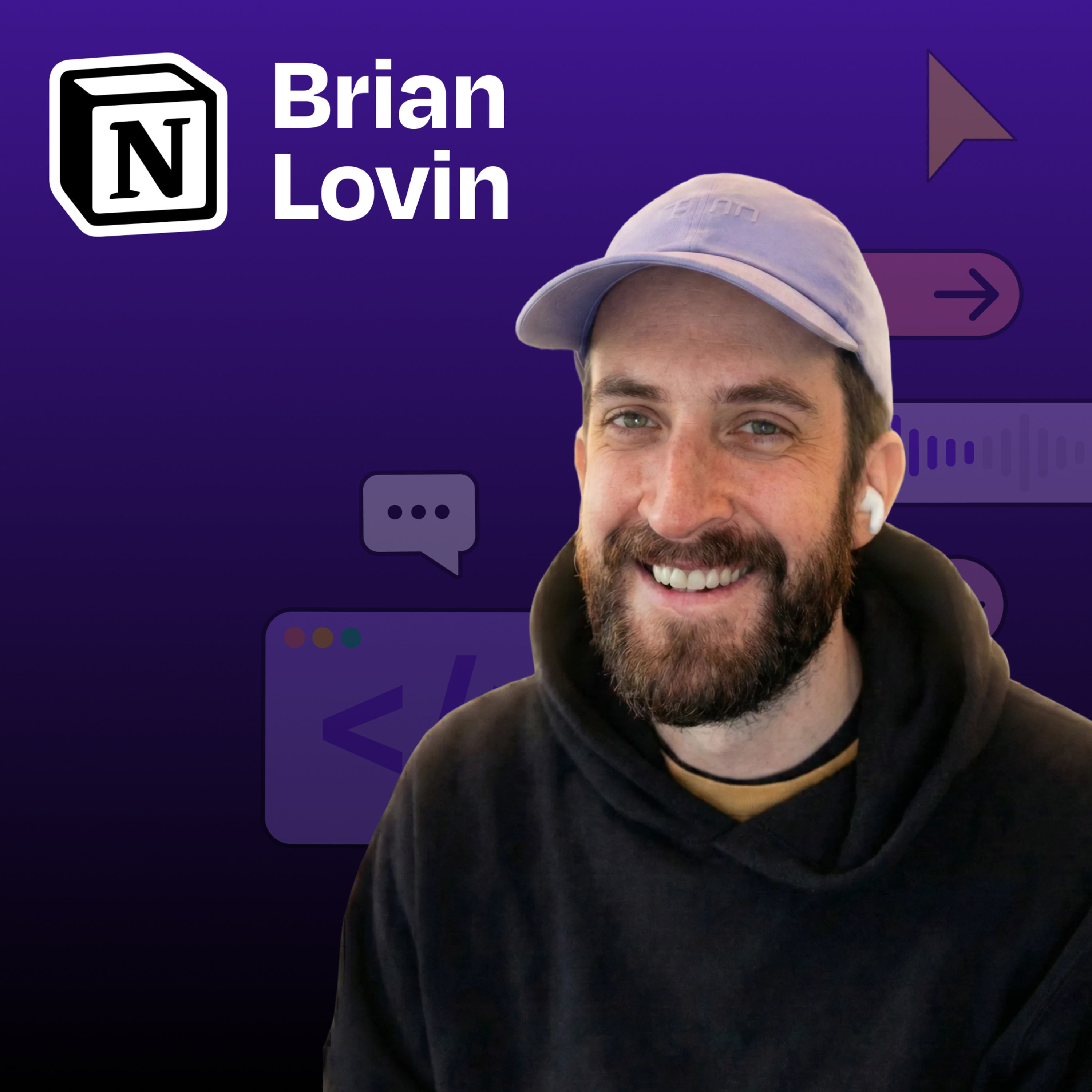
Brian Lovin is a designer at Notion AI who has transformed how the design team builds prototypes, by creating a shared code environment powered by Claude Code. Instead of designers working in isolated repositories or limited to static Figma designs, Brian built a collaborative “prototype playground” where the entire team can create, share, and iterate on functional prototypes. In this episode, Brian demonstrates how AI-assisted coding has dramatically accelerated the design process and why code-based prototyping is essential for building AI-powered products. What you’ll learn: - How Brian built a shared Next.js app that serves as a collaborative prototyping environment for Notion’s design team - Why encountering “reality” early in the design process leads to better products - How to use Claude Code’s “plan mode” to get better results when prototyping - The power of custom Claude slash commands and skills to automate repetitive tasks - How to transform Figma designs into working code with a single prompt - Why AI-powered products can’t be effectively designed in static tools like Figma - Brian’s rule for working with AI: “When Claude asks you to do something, teach it to do that thing itself” — Brought to you by: WorkOS—Make your app enterprise-ready today Orkes—The enterprise platform for reliable applications and agentic workflows — In this episode, we cover: (00:00) Introduction to Brian (02:36) Building for B2B SaaS (04:42) Notion’s prototype playground: what it is and how it works (08:01) The technical background of designers using the playground (10:52) Demo: building a podcast player prototype (16:00) Actionable tips for better Claude Code results (20:16) Analyzing the result (20:30) Creating slash commands to simplify the workflow (23:03) Turning Figma designs into production-ready code (25:06) MCP frustrations and tips (30:54) Demo: creating a custom “find icon” skill (35:03) Demo: Creating a deploy command to simplify GitHub workflows (41:09) Quick recap (41:59) How code-based prototyping is changing design at Notion (46:48) Brian’s tool preferences (48:42) Prompting techniques when AI is not listening — Tools referenced: • Claude Code: https://claude.ai/ • Cursor: https://cursor.sh/ • Next.js: https://nextjs.org/ • Figma: https://figma.com/ • Monologue: https://www.monologue.to/ • GitHub: https://github.com/ • GitHub Desktop: https://desktop.github.com/ • Tailwind CSS: https://tailwindcss.com/ • Bun: https://bun.sh/ — Other references: • Claude Skills explained: How to create reusable AI workflows: https://www.lennysnewsletter.com/p/claude-skills-explained — Where to find Brian Lovin: Website: https://brianlovin.com/ LinkedIn: linkedin.com/in/brianlovin X: https://twitter.com/brian_lovin — Where to find Claire Vo: ChatPRD: https://www.chatprd.ai/ Website: https://clairevo.com/ LinkedIn: https://www.linkedin.com/in/clairevo/ X: https://x.com/clairevo — Production and marketing by https://penname.co/. For inquiries about sponsoring the podcast, email [redacted email].
Info
- Published
- Feb 23, 2026
- Uploaded
- Jun 12, 2026
- Uploaded by
 Nicholas
- Queried
- 0 times